Introduction
This page catalogs every core notification Altegio can send to clients and staff, with channels, timing logic, template variables, opt‑ins, delivery providers, and setup paths. It is compiled from Altegio’s product and support documentation to serve as an implementation blueprint for admins and integrators.
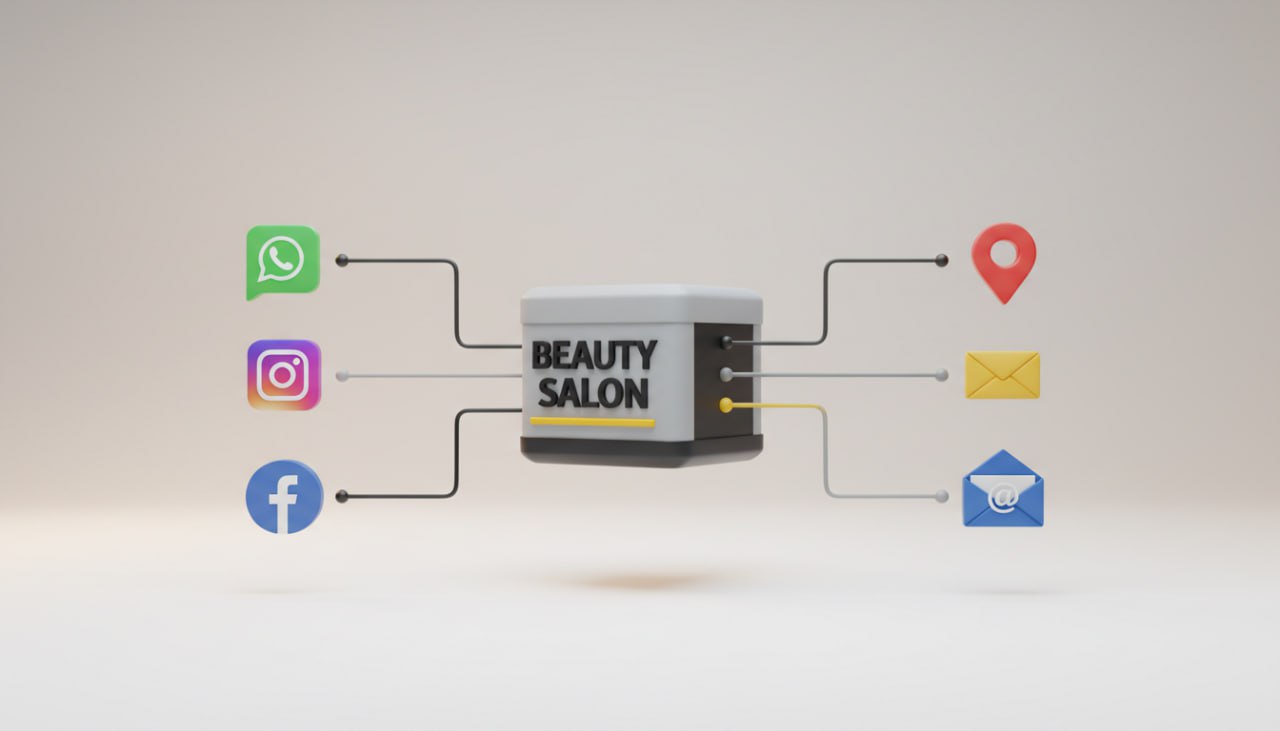
Channels and delivery providers
- Email (free for all locations). Configure and brand in Notifications; replies go to your business inbox. See details and examples. Altegio SMS & Email
- SMS via integrated providers (global and regional). Examples and how‑tos:
- SMS.to (global). Guide
- Fromni (global; also WhatsApp via chatbot). Guide
- Apifonica (alphanumeric sender ID). Guide
- L‑SIM (Azerbaijan). Guide
- WhatsApp (templates and triggers via integrations; pricing varies by region). New pricing example: R$0.05/message and ready‑made templates (Brazil), announced July 21, 2025. Update
- Push notifications (client app and employee app). See mobile app categories and setup. Client app docs · Employee app docs
- Viber (where available). Covered in Notifications hub. Altegio SMS & Email
Configuration prerequisites (all channels):
- Connect a provider per channel in Integrations; top up balances if required. Notifications index
- Map employees ↔ users and enable per‑user delivery. User notifications
- For SMS code flows, connect an SMS provider first. Phone SMS confirmation
Client‑facing notification types
- Appointment confirmation request (one‑click confirm)
- Condition: visit status = Pending; auto‑sends at a configured lead time; confirmation flips status to Confirmed. Guide
- Key variables: %POSITION_TITLE%, %MASTER_NAME%, %DATE%, %CLIENT_NAME%, %LINK%.
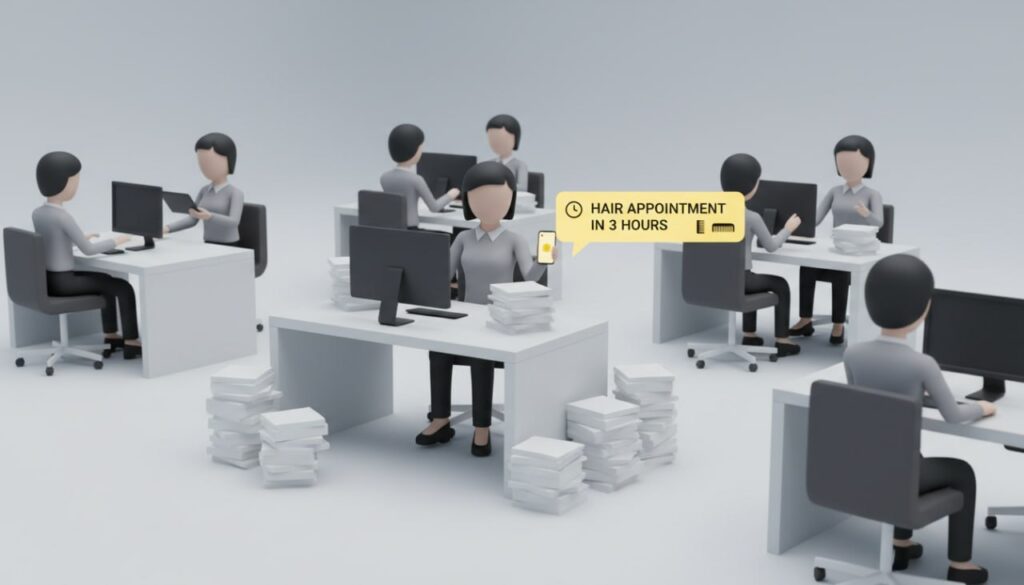
- Appointment reminders (reduce late arrivals/no‑shows)
- Multi‑channel (SMS/Email/WhatsApp/Push/Viber). Email is free. Altegio SMS & Email
- Booking created/changed/cancelled notifications (to client)
- Configurable per channel in Notifications. Notifications hub
- Re‑booking prompts after no‑show/cancel
- Sends only if the client has no future bookings; customizable message, timing, and channel. No‑show follow‑up
- Online class instructions (link delivery)
- Email‑only for group class instructions; add link in event ‘Instructions’ tab. Online classes
- Phone number verification (OTP during online booking)
- Requires SMS provider; two standard templates; 69‑char SMS limit per message segment; can be enforced at booking or personal account login. SMS confirmation
- Promotions in the booking flow (non‑message UI promo)
- Display banners inside the widget (menu/service/employee/success screens) with analytics tag clicked_promo_link. Promo block
- Loyalty, gift cards, memberships notifications
- Operate with loyalty card issuance/transactions and membership gating. Issue cards · Transactions · Online booking with membership
- Review requests and monitoring
- Request reviews via integrations; monitor in Reports → Reviews. Flowsell bot (reviews) · Reviews report
Staff and administrator notifications
- Staff schedule/booking events (created/changed/deleted), client data, payment docs, license expiry, incoming call alerts; per‑user channel control (SMS/Push/Email). User notifications
- Call events require IP telephony integration; recordings stored for 1 year; Excel export. Calls report
- Mobile app pushes and in‑app analytics for admins (My Analytics). Admin stats (mobile)
Notification catalog (types, channels, timing, prerequisites)
| Type | Audience | Channels | Timing window | Prerequisites |
| Confirmation request | Client | SMS, Email, WhatsApp, Push | Scheduled before visit when status=Pending | Enable template; connected provider(s) |
| Reminder | Client | SMS, Email (free), WhatsApp, Push, Viber | Configurable lead time(s) pre‑visit | Providers; per‑location schedule |
| Change/cancel notice | Client | SMS/Email/WhatsApp/Push | On change/cancel | Providers; Notifications enabled |
| Re‑book after no‑show/cancel | Client | SMS, Email, Push | After missed/canceled if no future bookings | Condition rule in template |
| OTP phone verification | Client | SMS | During booking/login | SMS provider; enable in widget |
| Online class instructions | Client | After adding link to event | Event ‘Instructions’ tab | |
| Review request (via bot) | Client | WhatsApp/Telegram | Post‑visit trigger | Bot integration (e.g., Flowsell) |
| Staff booking events | Staff/Admin | SMS, Email, Push | On create/edit/delete | Map employee↔user; per‑user settings |
| Incoming call alerts/logs | Staff/Admin | In‑app + optional | Real‑time/Reports | IP telephony integration |
Notes:
- Email is free across locations. Altegio SMS & Email
- WhatsApp template pricing and catalogs vary by region; see the July 21, 2025 update for Brazil. Update
Template variables (core set)
- Common (clients): %CLIENT_NAME%, %DATE%, %LINK%, %BOOKING_LINK%, %SALON_TITLE%.
- Staff/services: %POSITION_TITLE%, %MASTER_NAME%.
- Where used: confirmation requests and re‑engagement templates explicitly support these. Confirmation request · No‑show follow‑up
Timing, suppression, and cutoffs
- Confirmation requests: only send for Pending visits; confirming via link updates status to Confirmed. Guide
- Re‑booking prompts: sent only if there are no future bookings; supports both canceled and no‑show statuses. Guide
- Self‑service cutoffs (client changes): online reschedule/cancel cutoff is configurable up to 48 hours; refunds for prepaid are manual. Online booking options
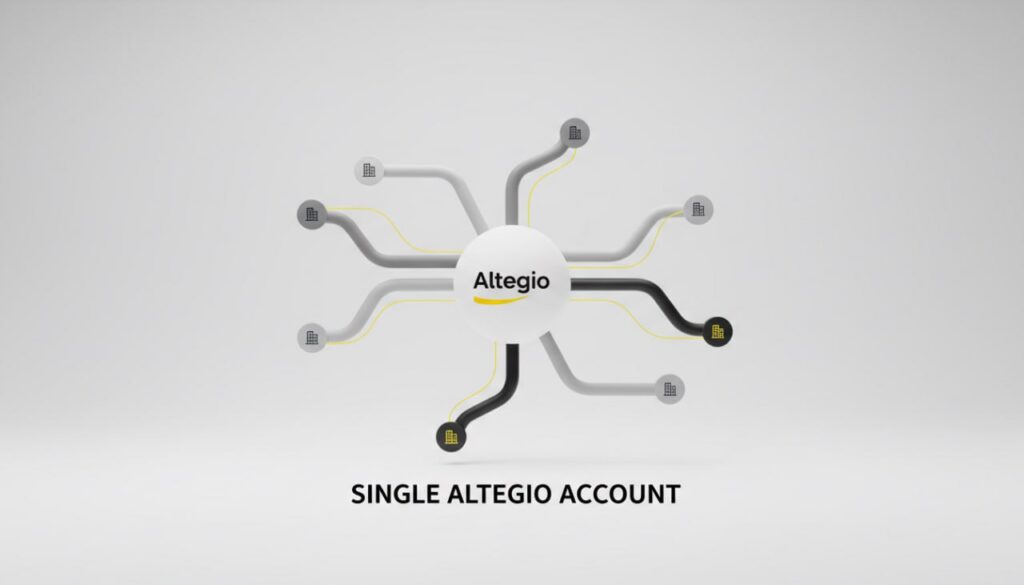
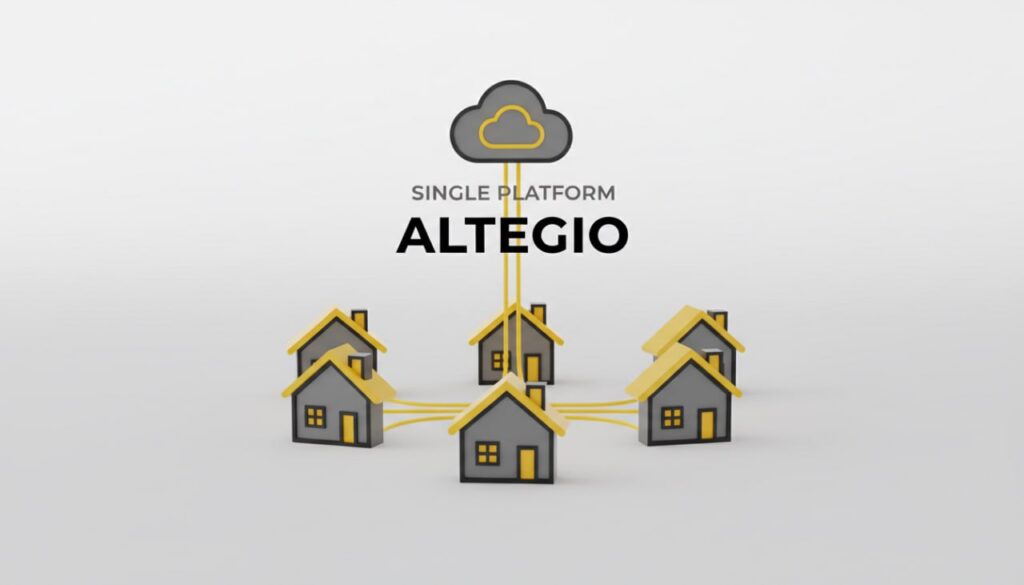
- Chain deduplication: chain client database prevents duplicate newsletters to the same person across locations. Chain client DB · Chain analytics task
Configuration paths (quick start)
1. Connect providers per channel:
- SMS.to / Fromni / Apifonica / L‑SIM in Integrations → Notifications. SMS.to · Fromni · Apifonica · L‑SIM
2. Map users to employees and enable per‑user delivery + channels. User notifications
3. Enable client templates and timing in Settings → Notifications (Confirmation, Reminder, Rebooking). Confirmation · No‑show follow‑up
4. Optional: enforce SMS phone verification in Online booking → Settings. OTP
5. Add in‑widget promo blocks and wire analytics if needed. Promo block · Widget events
6. Monitor delivery and responses:
- Notification Center (right of branch name): appointment, calls, import/export notices. Notification Center
- Reviews (Reports → Reviews). Reviews report
Sample, ready‑to‑copy templates
- Confirmation (SMS/WA/Email):
- “%CLIENT_NAME%, please confirm your visit with %MASTER_NAME% on %DATE%. Tap: %LINK%”
- Reminder (Email, free):
- “Hi %CLIENT_NAME%, we’re waiting for you on %DATE%. Questions? Reply to this email.”
- Re‑book after no‑show/cancel:
- “%CLIENT_NAME%, we missed you. Book a convenient time here: %BOOKING_LINK% — %SALON_TITLE%.”
- Online class instructions (Email‑only):
- “Your class link: join here. Starts %DATE%. Save this email.”
- Staff booking alert (Push/Email):
- “New booking for you on %DATE% — check your calendar.”
Analytics and attribution for notifications
- Track booking funnel events from the widget (booked, appointment_changed, widget_loaded, service_selected, etc.) by connecting Google Analytics 4 (one data stream per booking link). GA4 setup · Event list
- Optional: pass Client ID for end‑to‑end analytics (UA legacy) or use GA4 user properties analogs. Client ID transfer
Governance, consent, and deliverability notes
- Email is unlimited and free; brand your templates and include contact details. Altegio SMS & Email
- SMS OTP templates are fixed (two variants) and limited to 69 chars per segment; ensure an SMS aggregator is connected before enabling. OTP
- Chain‑level client database centralizes history and newsletter targeting across branches to avoid duplicates. Chain client DB
- Data protection and roles: configure access rights so staff see only permitted client fields and contact data. Access rights · Securing data
Troubleshooting checklist
- Message didn’t send: verify provider connection/balance and that the template/channel is enabled for the location/user. Notifications setup
- Client didn’t get OTP: confirm SMS provider integration and that OTP is enabled in the booking form. OTP
- Duplicate outreach across branches: use Chain client database filters, send newsletters from Chain, and avoid per‑location duplication. Chain client DB
- Class link not received: remember instructions are Email‑only for events. Online classes
Quick reference: where to configure
- Providers: Integrations → Notifications (choose SMS/WhatsApp provider) · Top‑up in Billing where applicable.
- Client templates: Settings → Notifications (Confirmation, Reminder, Re‑engage).
- Per‑user delivery: Settings → System settings → Notifications; map employee↔user and pick channels.
- OTP: Online booking → Settings → Request phone confirmation (SMS code).
- Promo block: Online booking → New widget → Promo block tab.
- Monitoring: Bell icon (Notification Center); Reports → Reviews.