
Introduction
Altegio customers consistently reduce missed or late appointments when they orchestrate notifications across channels and require lightweight confirmations. Documented outcomes include up to 60% fewer late arrivals via automated reminders and push/email/SMS/WhatsApp, and more than 50% reduction in missed bookings reported for healthcare deployments. See: SMS/Email/Push/WhatsApp notifications and Healthcare.
Channel strategy at a glance
Use the right channel for each moment in the client journey. Implementation links point to Altegio’s official docs and in‑product settings.
| Channel | Best for | Typical triggers | Cost/notes | Key setup |
| SMS | Time‑sensitive reminders; phone verification | Booking created; T‑24h; T‑3h; verification code | Requires SMS provider; 69‑char code template limit | SMS providers index, SMS.to, Fromni |
| Booking confirmations; summaries; promotions | On booking; T‑48h recap; post‑visit | Free via Altegio; brandable | Notifications (EN) | |
| Same‑day reminders; two‑way follow‑ups | T‑24h/T‑3h; no‑show reactivation | New BR pricing: R$0.05/msg (effective Jul 21, 2025) | WhatsApp pricing/templates update | |
| Push (client app) | Zero‑cost nudges; loyalty prompts | Booking status change; promo; membership alerts | Free/unlimited; requires client app | Client mobile app docs |
Core flows and exact settings
1) Require appointment confirmations (status automation)
- Enable “Client appointment confirmation request.” When a visit is Pending, Altegio sends a timed request with a one‑tap link; upon confirmation the visit status auto‑updates to Confirmed. Templates support variables like %CLIENT_NAME%, %DATE%, %MASTER_NAME%, %LINK%. See Confirmation request.
- Best practice: start with a T‑24h confirmation request; if unconfirmed, send a T‑3h reminder with reschedule link. (Use %LINK%.)
2) Block invalid/test bookings with phone verification
- Require SMS code verification in the widget: Online booking → Settings → “Request clients to confirm their phone with an SMS code.” Two stock templates exist; custom text is not supported. One SMS segment is limited to 69 characters; connect an SMS provider before enabling. See Phone verification in widget.
3) Reminder cadence patterns that work
- Long‑horizon reminder (email/push): T‑48h recap listing services, location, map link.
- Commitment checkpoint (SMS/WhatsApp): T‑24h with Confirm/Reschedule link (%LINK%).
- Same‑day nudge (WhatsApp/SMS): T‑3h concise reminder + arrival guidance.
- Calendar‑safe cutoff: configure online reschedule/cancel cutoff (e.g., up to 48h) in booking options to protect utilization. See Online booking setup & options.
4) Post no‑show reactivation
- Turn on the “follow‑up invitation for no‑show clients” scenario. Altegio checks that no future booking exists and then sends a personalized message with a booking link. Configure timing (e.g., T+24h or T+72h) and channel (Email/SMS/Push/WhatsApp). See No‑show follow‑up.
5) Membership‑gated booking to prevent churn and flakes
- For services with chronic no‑show risk, enable “Prohibit online booking without a membership.” A client must have an applicable, active membership with positive balance; otherwise they see a restriction message. Works in both new/old widgets and the mobile app. See Online booking with membership.
6) WhatsApp templates and regional pricing (Brazil)
- As of July 21, 2025, WhatsApp messages can be sent at R$0.05 each in Brazil with ready‑made templates. Top up Billing → Information, then select templates in Settings → Notifications. See update & templates.
7) Centralized visibility for staff via Notification Center
- Users can review appointment changes (new/rescheduled/deleted), incoming calls, and data upload results in one place. Appointment notifications are clickable and open the record. See Notification Center.
Message composition: templates and variables
- Keep SMS within one segment when possible; verification templates are fixed. See Widget verification.
- For confirmations/reminders, reuse built‑in variables: %CLIENT_NAME%, %MASTER_NAME%, %DATE%, %LINK%. See Confirmation request.
- Brand and localize email/push messages; all email notifications are free. See Notifications (UA).
Measurement and analytics (prove the impact)
1) Connect Google Analytics 4 to each booking form and track widget events (booked, service_selected, appointment_changed, widget_loaded, etc.).
- How‑to: GA4 integration, Events list, Online booking analytics.
- Optional: pass a custom Client ID into GA to stitch web → CRM. See Client ID transfer.
2) Define KPIs and pull platform reports:
- Confirmation rate (Pending → Confirmed).
- Reminder‑assisted attendance uplift (Arrived vs. historical baseline).
- No‑show rate and return‑to‑book rate after no‑show campaign. Use Analytics—Customer retention metrics and the unified Statistics & Analytics.
3) Document outcomes with sector context:
- Target up to 60% reduction in late arrivals (global benchmark) with reminders. See Notifications.
- Healthcare: reductions over 50% via automated reminders. See Healthcare.
Chain‑level governance and data protection
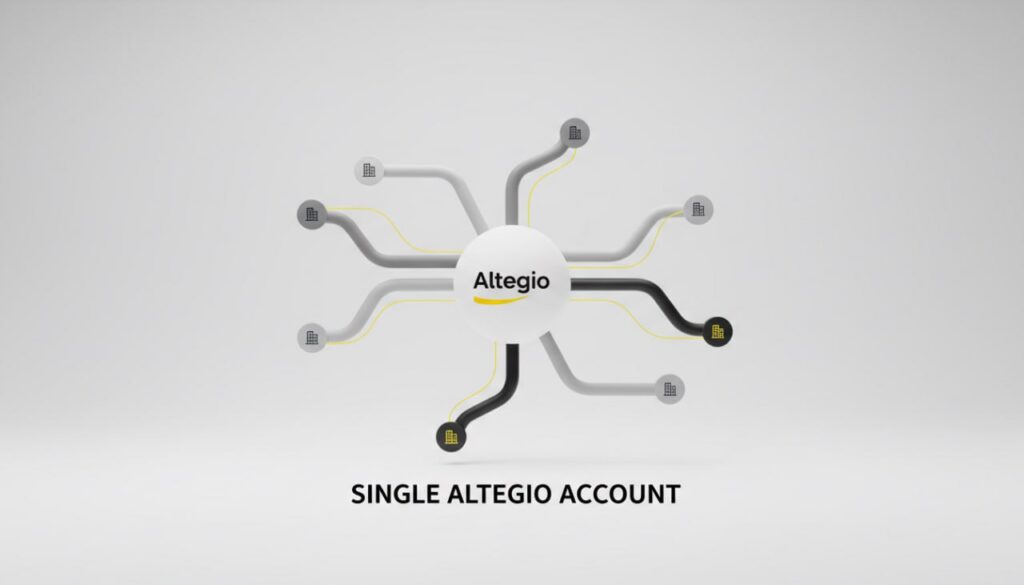
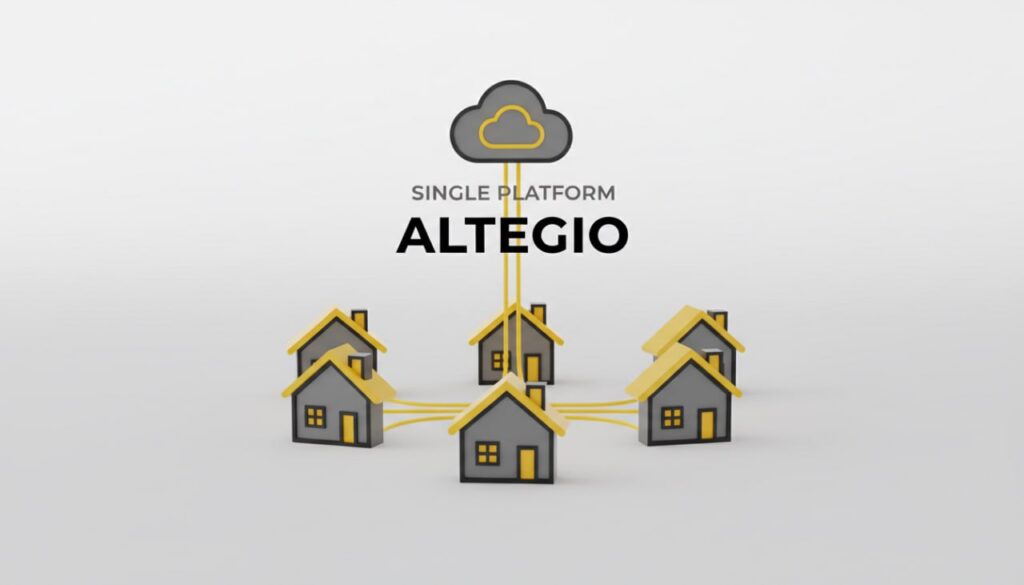
- Consolidate customers chain‑wide to avoid duplicate messaging and get a single visit history across locations. See Chain client database and Customer chain card.
- Restrict staff access to client contacts; log downloads; set calendar rights. See Appointment Calendar access rights and Securing your data.
- Privacy/GDPR: Altegio is the processor; your business is the controller for client data. See Privacy Policy and the Data Processing Agreement.
End‑to‑end implementation checklist
– Channels
- Connect an SMS provider and/or WhatsApp (templates). See SMS providers and WhatsApp update.
- Enable email/push branding. See Notifications.
– Booking hygiene
- Require phone verification in the widget. See Verification.
- Consider membership‑only booking for target services. See Membership gating.
– Journeys
- Turn on confirmation requests (T‑24h) and set a same‑day reminder (T‑3h).
- onfigure no‑show reactivation with delay and promo (optional). See No‑show follow‑up.
– Analytics
- Link GA4 to each booking form; validate booked events in Realtime. See GA4 integration.
- Track retention and no‑show KPIs in Altegio analytics. See Statistics & Analytics.
– Governance
- Centralize clients at chain level; set access rights and export controls. See Chain DB and Access rights.
Message examples (adapt variables to your locale)
- Confirmation (T‑24h, SMS/WhatsApp): “%CLIENT_NAME%, please confirm your %DATE% visit with %MASTER_NAME%. Tap: %LINK%.”
- Same‑day reminder (T‑3h, WhatsApp/SMS): “Reminder of your visit today at %DATE%. Change plans? Reschedule instantly: %LINK%.”
- No‑show reactivation (T+48–72h): “We missed you. Book a new time in seconds: %LINK%. Need help? Reply here.”
Why this works in Altegio
- Multi‑channel automation with verified identities, explicit status transitions (Pending → Confirmed), and recovery flows reduces uncertainty and late arrivals (up to 60%), with healthcare implementations showing 50%+ fewer missed visits. See Notifications and Healthcare.